 Blur Face
Sfocatura volti IA gratis —
Nascondi, censura e copri i volti online
Anonimizza le foto in pochi secondi con la nostra IA privata locale. Nessun caricamento, nessuna registrazione e elaborazione 100% nel browser per la massima sicurezza.
Come sfocare, nascondere e censurare i volti in pochi secondi
Blocca i volti nelle foto per una privacy totale. Il nostro editor intuitivo rende l'anonimizzazione delle foto semplicissima — senza installazioni.
1. Carica le Foto
Seleziona una o più foto dal tuo dispositivo. Supporto per JPEG, PNG e WebP. Le tue immagini si aprono all'istante nel browser senza essere inviate al cloud.
2. Rilevamento IA e Modifica
La nostra IA crea istantaneamente uno strato di privacy sui volti rilevati. Puoi personalizzare l'intensità, scegliere l'effetto pixel o aggiungere rettangoli.
3. Scarica e Condividi
Esporta foto protette in alta qualità. Rimuoviamo automaticamente i metadati sensibili (EXIF) per garantire che la tua posizione rimanga privata.
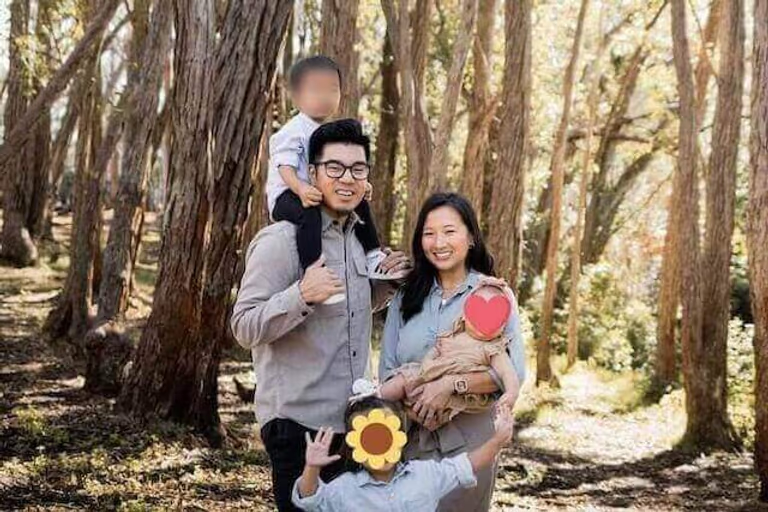
Perché scegliere Blur Face?
Uniamo il rilevamento IA professionale a un'architettura rigorosamente privata.
-
Rilevamento IA Intelligente
Il nostro modello rileva più volti in scene complesse con precisione, facendoti risparmiare tempo prezioso.
-
Precisione di Controllo
Aggiungi o rimuovi facilmente le zone sfocate, inserisci blocchi neri su targhe o documenti e regola lo stile della censura.
-
100% Privacy sul Dispositivo
Non vediamo mai le tue foto. Tutto viene elaborato localmente tramite WebAssembly, garantendo che i tuoi dati sensibili non lascino mai il tuo dispositivo.
Conformità della Privacy per i Professionisti
Progettato per avvocati, forze dell'ordine ed esperti di sicurezza.
Pronto per GDPR e CCPA
Elabora foto sensibili o immagini pubbliche rispettando le severe normative sui dati.
Nessuna esposizione in cloud
La nostra architettura locale garantisce che dati sensibili e prove non lascino mai il dispositivo.
Rimozione dei Dati EXIF
Elimina automaticamente i tag GPS e del dispositivo per prevenire il tracciamento di localizzazione.
Privacy Visiva Garantita
Confronta il classico trattamento in cloud con il nostro approccio locale sicuro.
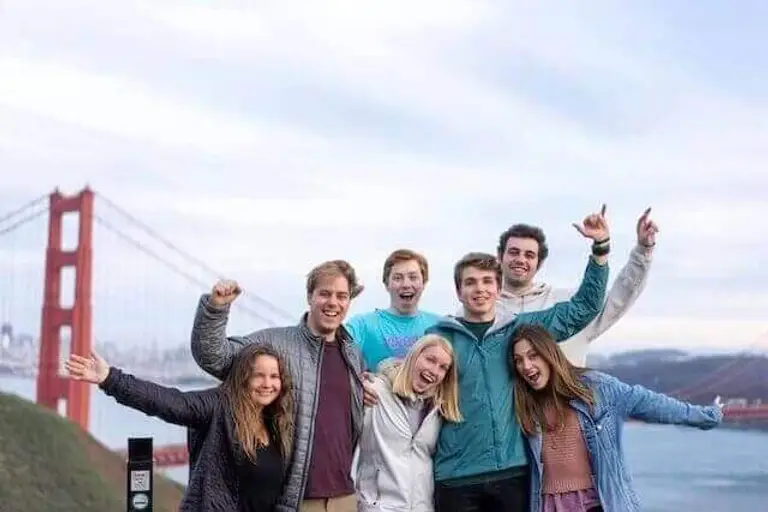
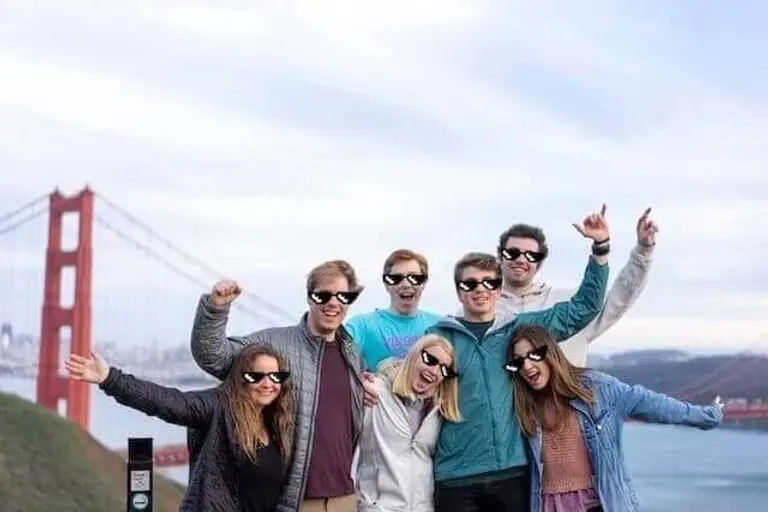
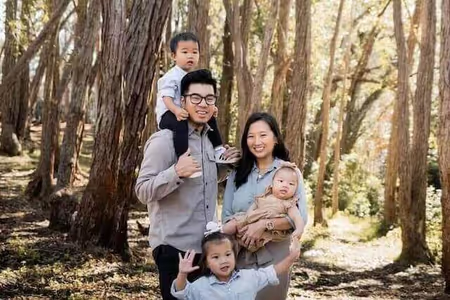
Prima: Volti e metadati di geolocalizzazione visibili.
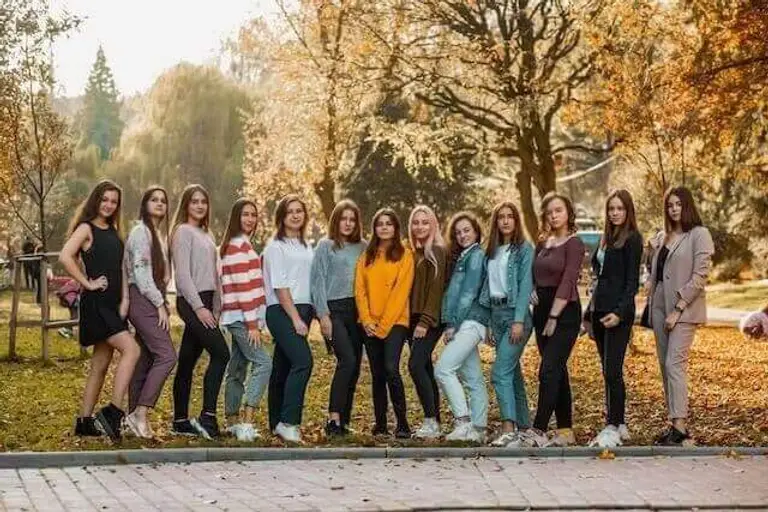
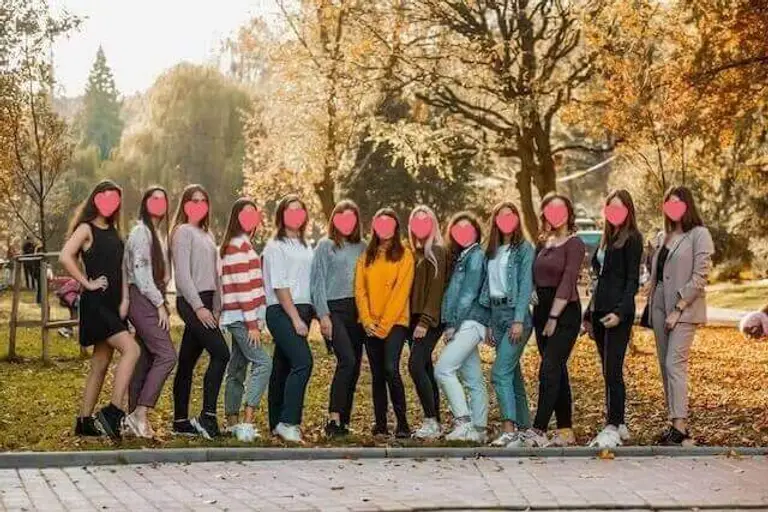
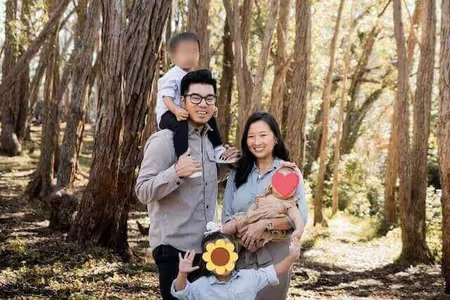
Dopo: Identità protette, dati EXIF rimossi localmente.
Come sfocare i volti su iPhone e Android
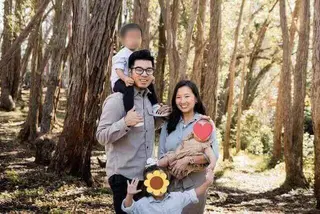
Proteggi la tua privacy in movimento. Senza installare alcuna app.
Rinomina in batch tramite IA: Ottimizza automaticamente i file per la SEO
Scopri come utilizzare la nostra intelligenza artificiale locale per rinominare in blocco le foto con descrizioni SEO.
Domande Frequenti (FAQ)
Scopri di più sulla nostra tecnologia e su come teniamo al sicuro i tuoi dati.
Blur Face è davvero gratuito?
Yes, our face blur tool is completely free to use without any hidden fees or subscriptions. Unlike many other online photo editors that restrict features behind a paywall or limit the number of images you can process daily, Blur Face offers unlimited access to its core functionality. We believe that digital privacy should be accessible to everyone, which is why we do not require you to create an account, register your email, or provide credit card information. You can use our tool to pixelate, censor, or blur as many images as you need, whether you are a casual user protecting family photos or a professional processing business documents. Our platform is supported through non-intrusive advertisements and voluntary donations, allowing us to maintain high-quality serverless infrastructure while keeping the tool 100% free for the global community.
Caricate le mie foto su un server?
Our AI face detection operates entirely within your web browser using advanced lightweight machine learning models. When you select an image, the photo is never uploaded to an external server or cloud database. Instead, the artificial intelligence algorithm, powered by WebAssembly (WASM) and TensorFlow.js, scans the pixel data locally on your device's processor. It rapidly identifies facial landmarks such as eyes, noses, and mouth structures to determine the presence and exact coordinates of human faces. This local processing ensures lightning-fast detection speeds, typically highlighting faces in less than a second, regardless of your internet connection speed. Because the AI model runs on the client side, your privacy is absolutely guaranteed—nobody, not even our development team, can see or access the photos you are editing. This makes it the safest option for handling sensitive or confidential media.
Cosa succede ai metadati delle foto?
Absolutely. One of the most powerful features of Blur Face is its ability to handle multiple faces simultaneously with incredible precision. When you load a group photo—whether it’s a classroom picture, a crowded street scene, or a corporate event snapshot—our AI engine instantly scans the entire canvas and detects every single face. By default, you can click the "Blur All" button to instantly apply your chosen privacy effect (such as standard blur, pixelation mosaic, or solid black censor bars) to every detected individual at once. This batch processing capability saves you significant time compared to manually drawing boxes over each person. If there are specific people you want to remain visible, you can simply tap or click on their individual blur masks to remove the effect, giving you complete granular control over exactly who is anonymized and who stays in focus.
Posso modificare più foto contemporaneamente?
Yes, it is fundamentally safe to process highly sensitive, confidential, or private photos using Blur Face because of our unique offline-first architecture. Most online photo editors require you to upload your files to their remote servers for processing, which creates significant security vulnerabilities, potential data breaches, and privacy compliance issues under laws like GDPR or CCPA. In contrast, our tool processes all images locally directly within your web browser (client-side processing). Your photos literally never leave your smartphone, tablet, or computer. There is no cloud storage, no temporary server caching, and no data collection of your imagery. Once you close the browser tab, all image data is instantly and permanently cleared from the application's memory. This makes Blur Face an ideal and secure solution for journalists, legal professionals, medical staff, and everyday users handling sensitive material.
Funziona sui telefoni cellulari?
Yes, Blur Face is fully optimized for mobile devices and provides a seamless, app-like experience across all modern smartphones and tablets. Whether you are using an iPhone running iOS, an Android device, or a tablet like an iPad, you can access the full suite of features directly through your mobile web browser (such as Safari, Google Chrome, Firefox, or Edge). There is no need to visit the App Store or Google Play to download a bulky application that consumes your device's storage space. The mobile interface features intuitive touch controls, allowing you to easily tap faces to blur them, pinch to zoom for precise editing, and drag your finger to draw custom censor boxes. Furthermore, since the processing relies on your device's local hardware, it operates efficiently without consuming massive amounts of mobile data, making it perfect for editing on the go.
Perché dovrei sfocare i volti?
Yes, our tool is incredibly versatile and goes far beyond just blurring human faces. While our AI is optimized for facial detection, the manual editing capabilities allow you to obscure any sensitive information or unwanted elements in your photographs. By using the manual "Add Block" feature, you can click and drag to draw custom redaction boxes over a wide variety of subjects. This is incredibly useful for blurring out vehicle license plates to protect driver privacy, censoring explicit or graphic content before sharing it online, hiding confidential text such as home addresses, bank account numbers, or passwords in screenshots, and covering up branded logos or identifying tattoos. You can choose to apply a soft blur, a pixelated mosaic, or a solid black box to these custom areas, giving you complete flexibility for any redaction use case.
Posso scegliere diversi stili di sfocatura?
Removing hidden metadata, commonly known as EXIF data, is a crucial step in protecting your digital privacy, and Blur Face handles this automatically for you. Whenever you take a photo with a smartphone or modern digital camera, the device invisibly embeds detailed information into the image file. This EXIF data often includes your exact GPS location coordinates, the date and time the photo was taken, the device model, and specific camera settings. When you use Blur Face to edit and download an image, our processing engine automatically strips all of this hidden metadata from the final exported file. You do not need to click any special buttons or toggle any settings; the metadata removal is a built-in security feature. This ensures that when you share the redacted image on social media or send it to others, you are not inadvertently leaking your location or personal habits.
Il rilevamento IA è perfetto?
No, we never add watermarks, branding, or intrusive logos to your edited and downloaded images. We understand that whether you are using Blur Face for personal social media posts, professional journalistic reporting, or corporate compliance, you need clean, unbranded results. Many free online tools force a watermark onto your final image and require a paid premium subscription to remove it. We strongly believe that privacy tools should not compromise the aesthetic quality or usability of your photos. The image you download will look exactly as you edited it, preserving the original aspect ratio and as much of the original image quality as possible, with only your intended blurs or censors applied. You retain full ownership and copyright of your edited images, free to use them in any personal or commercial context without any forced attribution.
Devo installare un software?
Blur Face is designed to support a wide range of standard image formats to ensure compatibility with photos taken from almost any device or downloaded from the web. You can seamlessly upload and edit images in JPEG (and JPG), PNG, WebP, and AVIF formats. JPEG is ideal for standard smartphone camera photos, while PNG is perfectly supported for images requiring lossless quality or transparent backgrounds (note that the exported image may be flattened depending on the blur application). We also support modern next-generation formats like WebP, which offer superior compression and quality. When you finish editing and click the download button, the tool will typically export your image as a high-quality JPEG or PNG to ensure maximum compatibility across all platforms, social media networks, and messaging apps, making it incredibly easy to share your newly anonymized photos immediately.
Come scarico il risultato?
Yes, you have complete flexibility to undo mistakes and adjust your edits before finalizing the image. Because Blur Face is an interactive, non-destructive editor, your original uploaded photo remains untouched in the background until you decide to click the download button. If you accidentally apply a blur to the wrong person, simply tap or click on that specific blur mask to instantly remove it. If you have drawn a custom censor box that is the wrong size or in the wrong location, you can easily select it, drag its corners to resize it, move it around the canvas, or delete it entirely using the trash can icon. Furthermore, we provide a "Clear All" button that instantly removes every single blur, pixelation, and censor box from the canvas, allowing you to start fresh without needing to re-upload the original image.
Pronto a proteggere la tua privacy?
Unisciti a migliaia di utenti che si affidano a Blur Face per condividere foto in sicurezza.
Inizia a sfocare ora